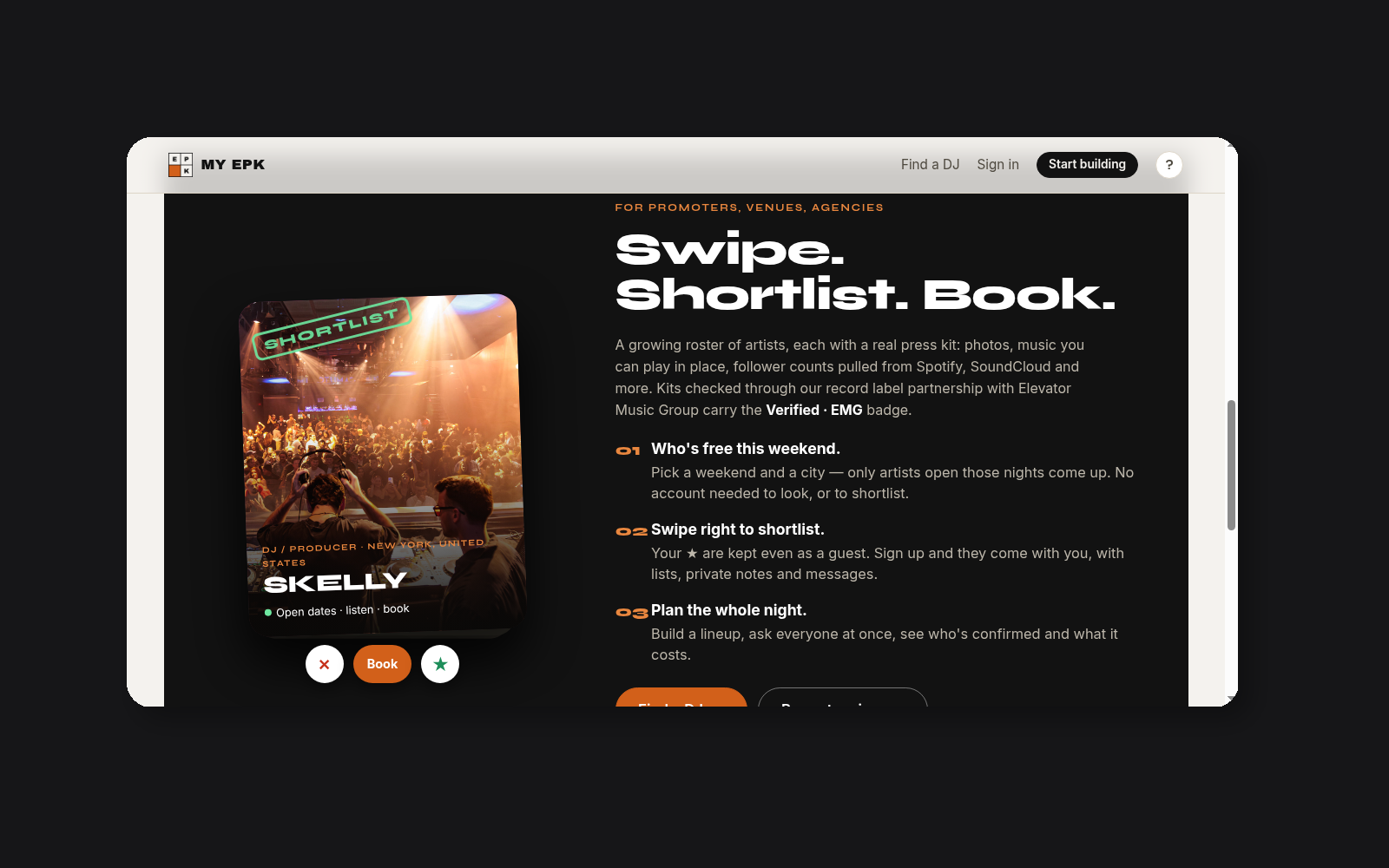
Promoters need two facts before they reach out: who is free, and whether the act fits the room. MY EPK puts both in one place. An artist marks available nights. A promoter filters the list, opens a kit, hears the work, and finds a way to make contact.
That cuts out the old back-and-forth. No spreadsheet of half-updated dates. No PDF that misses the latest release. The page starts with the booking question and keeps the supporting material close.
What open dates are
Open dates are nights an artist has marked as available for work. The artist chooses the days they can play. Those days become part of the kit instead of living in a separate message or calendar screenshot.
That detail matters when a promoter is filling a specific night. The promoter can check a weekend first, then look at artists who have actually marked it open. The result is a shorter list and a clearer next step. If a date changes, the artist updates the kit rather than sending a new attachment to every contact.
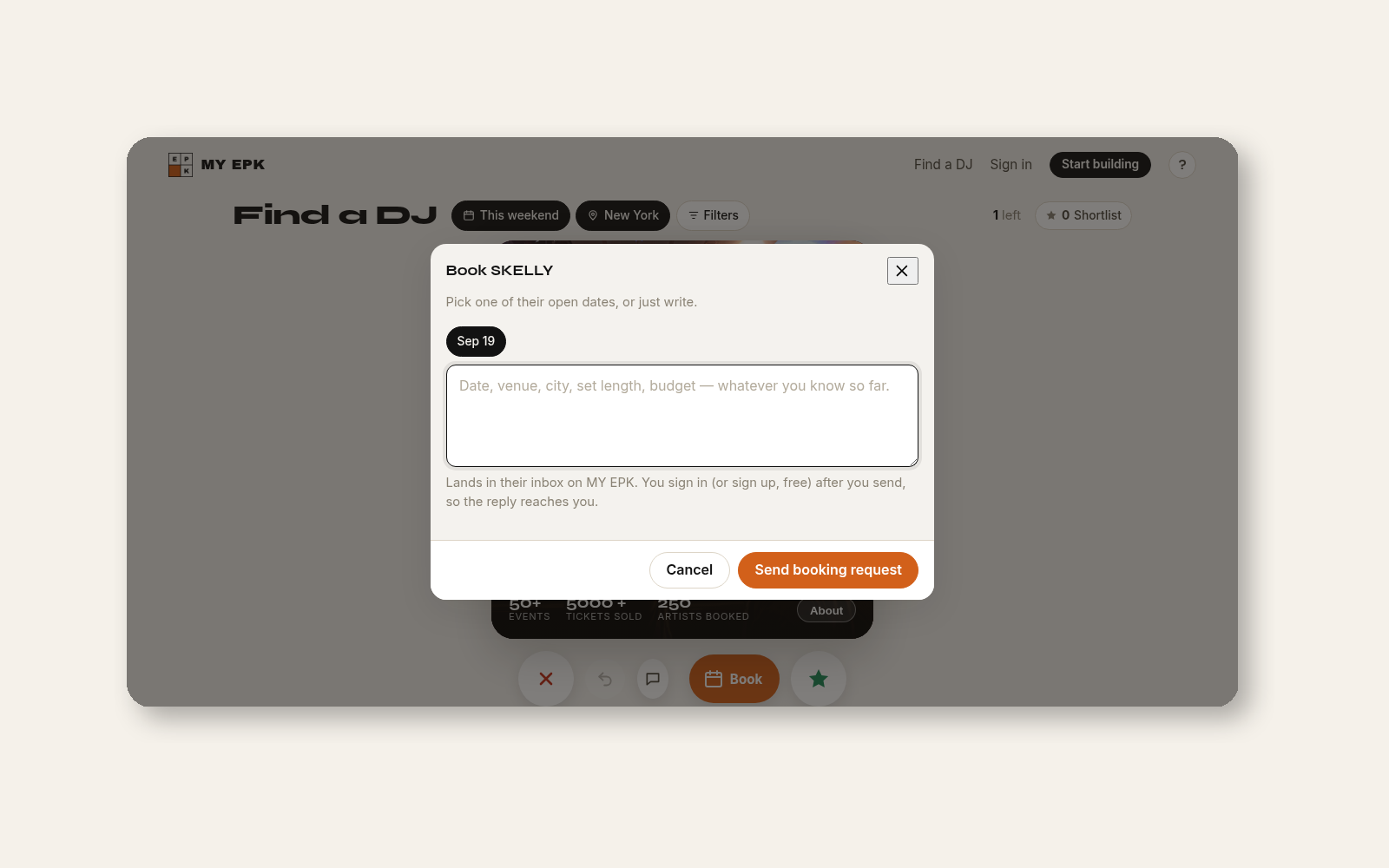
The open-date view is also a useful check for artists. Mark the nights that work. Leave out the nights that do not. Keep the answer current before a promoter asks.
How promoters filter
Promoters start with the practical details: a weekend and a city. They can browse MY EPK's Find page or start from MY EPK. The filter narrows the results without asking a guest to create an account first.
A city filter helps when the room, budget, and travel plan are already set. A weekend filter helps when the date is fixed. Together, they make the first pass faster without hiding the rest of the kit. The promoter can still open an artist's page and review the details before deciding who belongs on a shortlist.
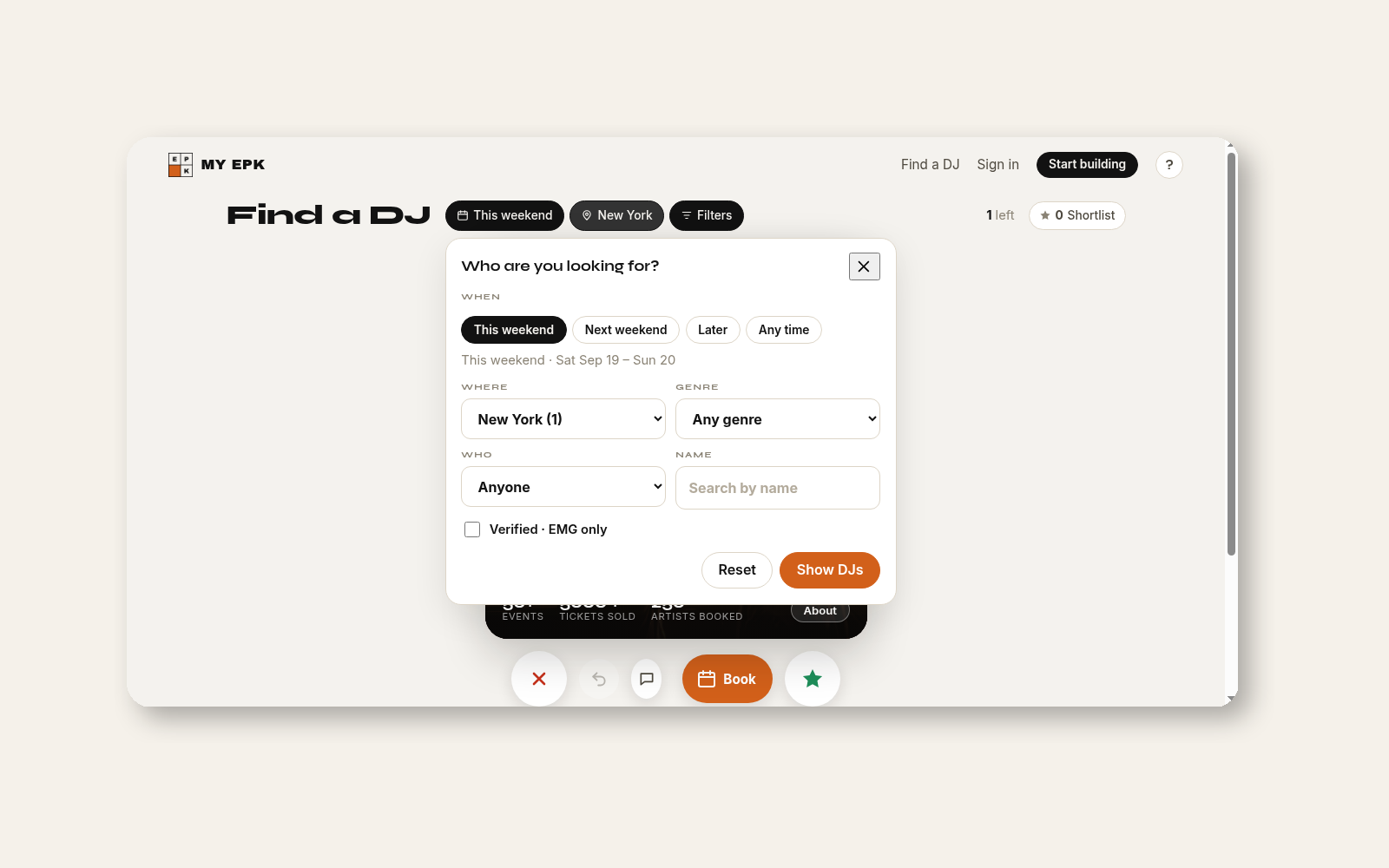
Guest browsing is part of the flow. A promoter can inspect results before committing to an account or a conversation. That keeps the first step focused on the booking: date, place, sound, and fit.
Shortlist, then check the kit
Once a promoter finds a possible match, the next question is proof. The kit keeps the answer together. Open the artist page to hear the players, review release and audience counts, read the available context, and find contact details. The promoter does not need to request each item separately.
A shortlist gives the promoter a place to compare options. It also gives the artist a fairer first impression than a single file sent without context. The working page can change when a release, player, or contact detail changes. The link stays the same.
For more product notes, follow the MY EPK blog. For changes and new releases from the product, see MY EPK updates.
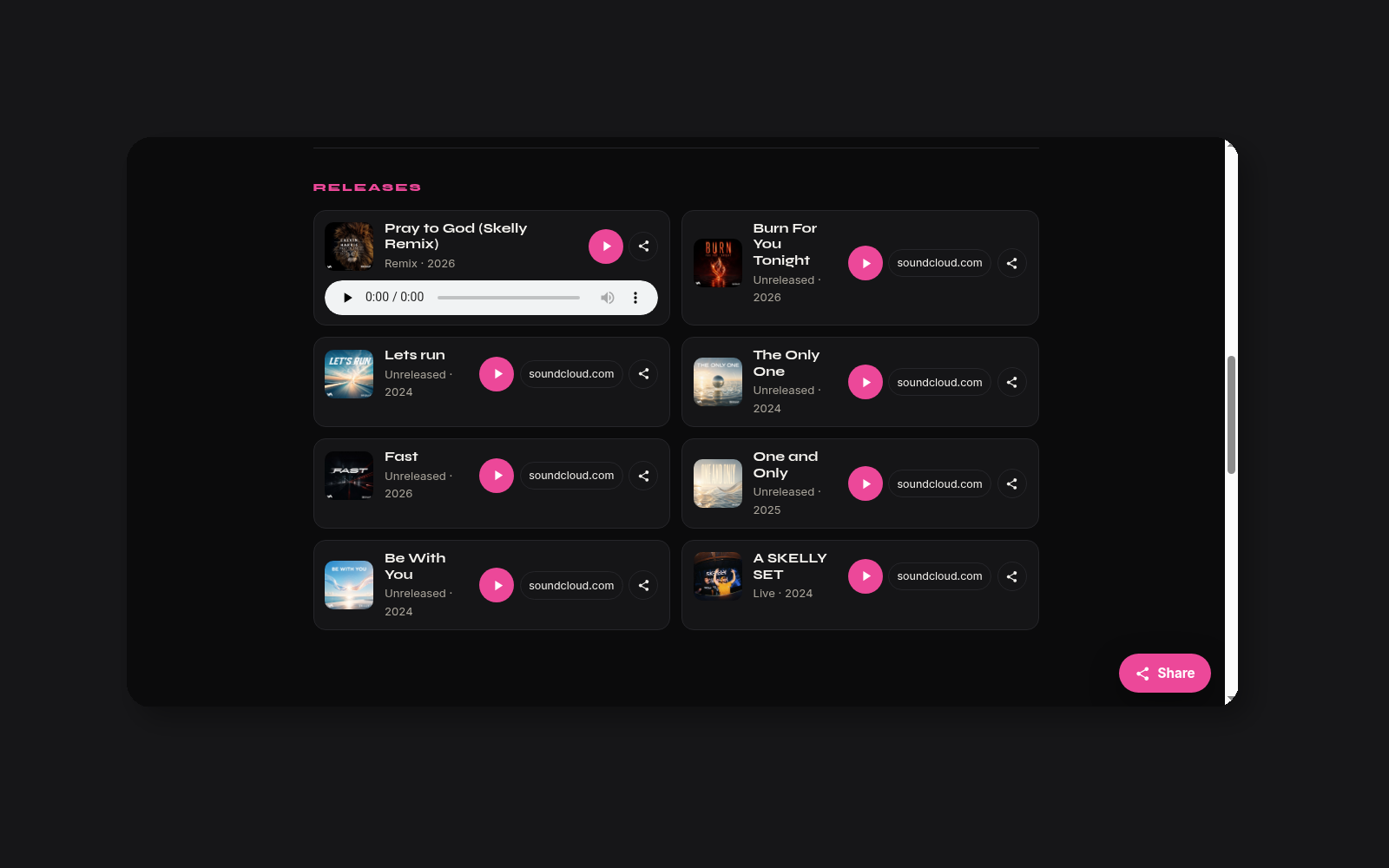
The order is simple: confirm the night, narrow the list, then open the kit. Players and counts answer the first questions. Contact details give the promoter a direct next move. The artist can keep the page current without rebuilding a deck for every inquiry.
Verified · EMG
Some kits carry a Verified · EMG badge through the Elevator Music Group partnership. The badge identifies that partnership and the kits checked through it. It is a product label, not a booking guarantee, a rating, or a claim about performance.
That distinction keeps the signal clear. Promoters can use the badge as one piece of context, then make their own decision from the dates, music, kit details, and conversation. Artists can present the same current information whether or not a badge appears.
What you can do next
Artists: open your kit and mark the nights you can play. Keep the dates current. Add the players, releases, counts, and contact route a promoter needs after the first click.
Promoters: choose a weekend and city on Find, browse the available artists, and shortlist the kits that fit. Start at MY EPK if you want to see the wider flow first.
The goal is a practical handoff. A date is visible. The proof is nearby. The next message has somewhere useful to go.
Related on MY EPK
More features are coming on the blog.