

Promoters used to dig through old PDFs and DMs to see who might be free.
Find a DJ is the deck now. Open my-epk.com/swipe. You swipe through artists who are open this weekend in your city. No account needed to look, or to shortlist.
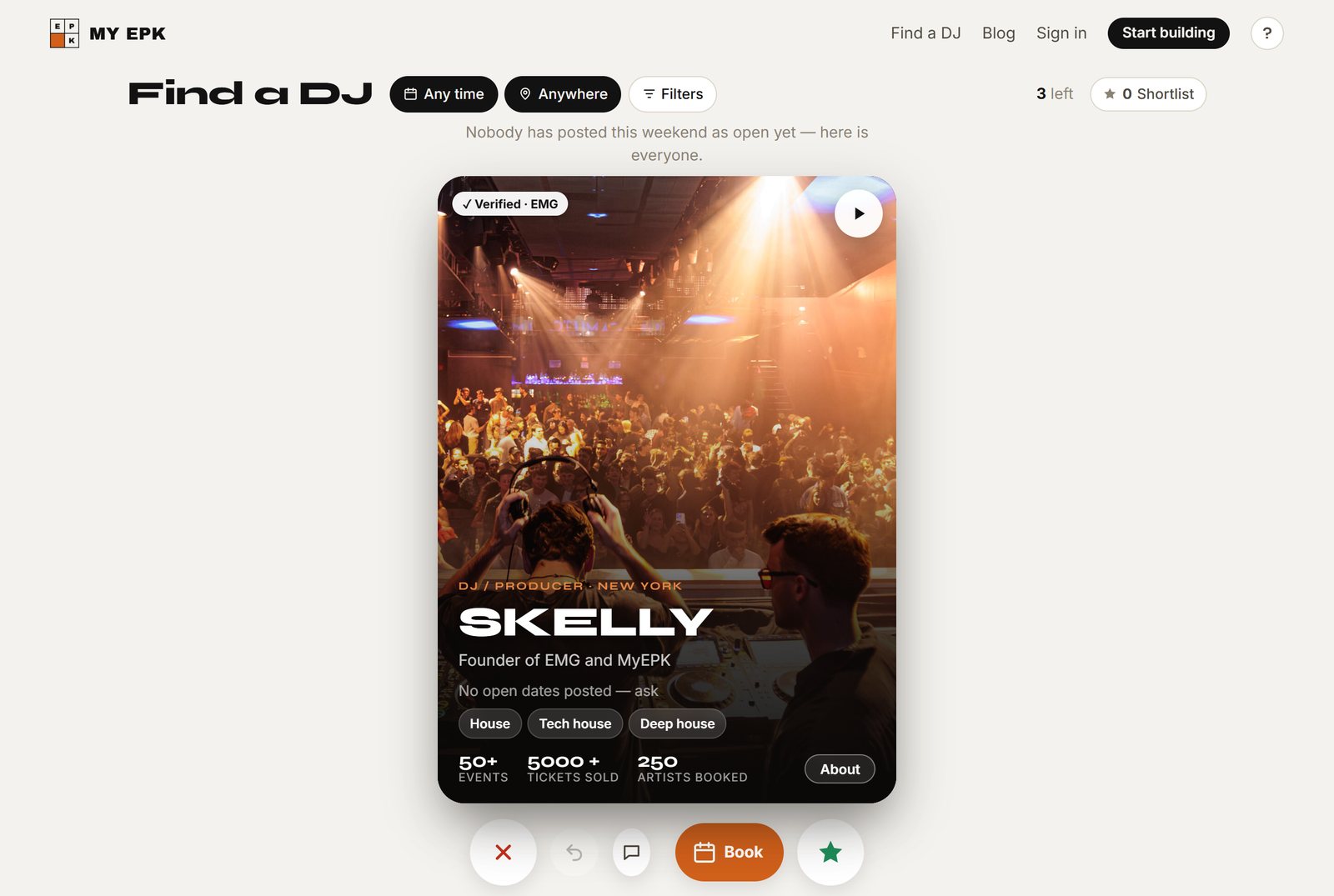
Filters fit a phone: this weekend, next weekend, later, or any time. City, genre, who, verified only, or a name search.
Star someone and they land on your Shortlist. Status sits with each name (messaged, in the running, booked) plus Message and Book. Group them with list chips by night or vibe. Plan an event from a list when you’re ready.
Booking goes from the deck or a kit page straight into one of the artist’s open dates. Kits checked through Elevator Music Group show the Verified · EMG badge.
Start as a guest. Create an account only when you want to keep the shortlist, events, and messages.
Visual notes (for Shawn): Hero: phone-width screenshot of /swipe with Filters open (weekend + city). Caption: “Find a DJ: filter by weekend and city.” Secondary: Shortlist view with status chips and Message / Book. Avoid artist faces as the hero; prefer product UI.